
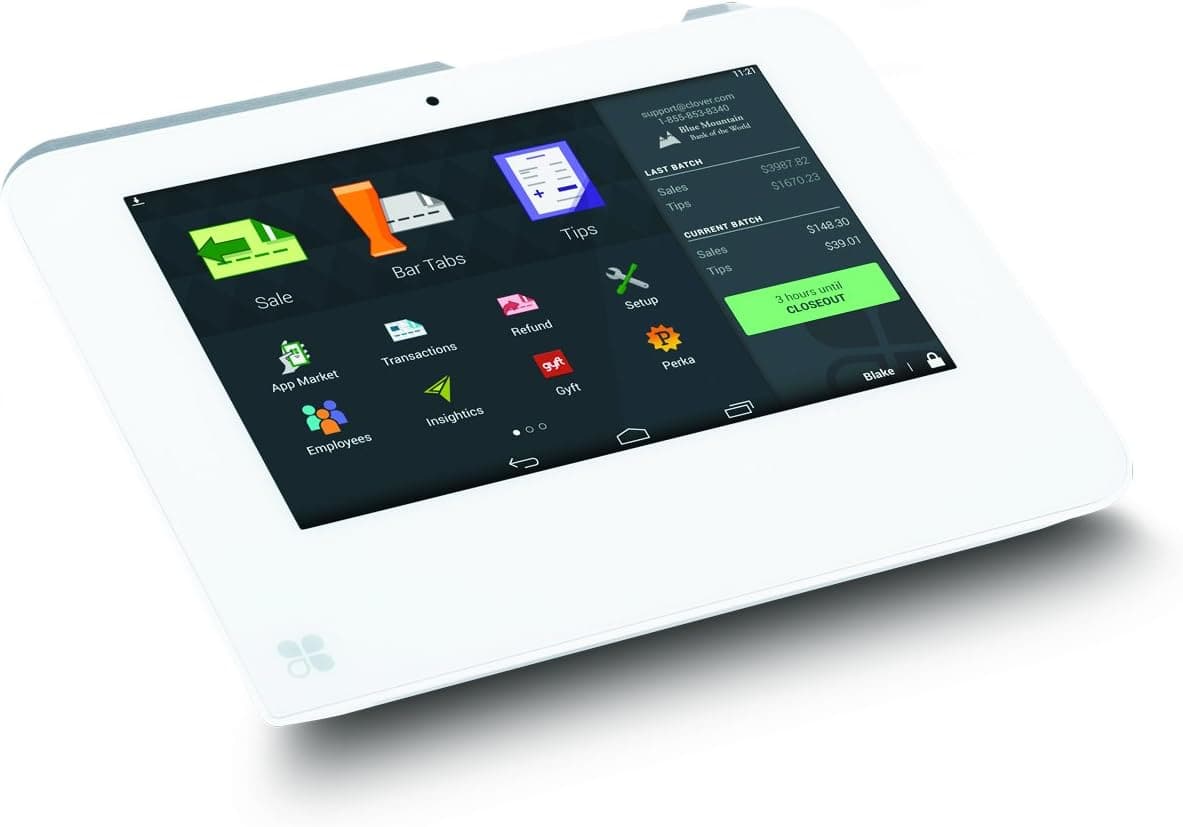
In Puerto Rico, the IVU (Impuesto sobre Ventas y Uso) — the Sales and Use Tax, or SUT — is collected at the point of sale and remitted monthly through Hacienda's SURI portal. Your Clover system already tracks the tax it collects, so the goal is simply knowing where to configure the rate and how to pull an accurate report when it is time to file. Accurate tax reporting protects you: it makes your SURI return match what you actually collected, keeps your records clean for an audit, and saves your accountant time at month-end. This reference walks through the six steps that get you from setup to a filing-ready export.
1.Set up the correct Puerto Rico sales-tax rate in Clover
- In your Clover dashboard, open Setup → Taxes & Fees. Puerto Rico's IVU (Impuesto sobre Ventas y Uso, or SUT — Sales and Use Tax) is made up of a Commonwealth portion and a municipal portion, so most merchants configure it as a combined rate. Check your current rates with your accountant or on Hacienda's SURI portal before entering them.
- Create a named tax rate (for example "IVU") and enter the percentage that applies to your business and municipality. If you sell items taxed at different rates — or prepared foods versus general merchandise — create a separate rate for each so every sale is categorized correctly from the start.
2.Apply the tax rate to your items
- A tax rate only affects reporting once it is attached to what you sell. In Setup → Taxes & Fees you can set a default rate that applies to all items, then override it on individual products or categories that are exempt or taxed differently.
- Open Inventory → Items (or Categories) and confirm each item points to the right IVU rate. Mark any tax-exempt items clearly. Getting this mapping right now is what makes your month-end report accurate — Clover can only summarize the tax it was told to collect.
3.Run the Sales / Tax report
- Once you have been ringing up sales, go to Reports in the Clover dashboard (or the Reporting app on the device). Open the Sales report and look for the Taxes section, or select the dedicated Tax report if your plan includes it.
- This report breaks down net sales, taxable versus non-taxable sales, and the total IVU collected for each tax rate you created. Reviewing it regularly helps you catch mis-tagged items long before a filing deadline.
4.Filter by your filing date range
- SUT is filed monthly in Puerto Rico, with the return generally due by the 20th of the following month. Use the date filter at the top of the report to select the full calendar month you are filing for — for example the 1st through the last day of the month.
- Double-check the timezone and that the range captures every business day, including weekends. The tax total shown for that period is the figure you will reconcile against your SURI return.
5.Export the tax summary for SURI
- With the correct date range selected, use the Export or Print option to save the tax summary. Clover typically lets you export to CSV or PDF and can email the report to yourself or your accountant.
- Keep both the detailed sales export and the tax summary. The summary gives you the collected-IVU total to enter in SURI, while the detail file supports it if any line ever needs to be explained.
6.Keep your records organized
- Save each month's export in a clearly labeled folder — by year and month — so you always have a paper trail. Puerto Rico merchants are expected to retain sales and tax records, and a tidy archive makes filing, audits, and year-end accounting far less stressful.
- Set a recurring reminder a few days before the 20th to pull the prior month's report. Building the habit means the numbers are ready before the deadline instead of scrambling for them after.
A quick note
This is operational guidance for generating a report inside Clover — it is not tax advice. Puerto Rico tax rates, exemptions, and filing rules can change, and every business is different. Please confirm your tax setup and your filing figures with a licensed accountant or directly with Hacienda before you submit through SURI. We intentionally do not publish a specific IVU rate here because it varies by municipality and can be updated.
Choosing the right hardware for your counter? Compare devices on our Clover equipment page, or see how tax and tips work together with a restaurant POS built for Puerto Rico.